
Integrations, Automation & AI
Make your systems work together.
Connect software, move data and automate repeated tasks. For AI, test one step on your own examples before investing in a larger build.
Discuss your projectWhat we can help with
Three kinds of work. One at a time.
Objects rendered by Drevhe to illustrate the work. They are not client examples.
Evaluate one workflow
Add an AI step to a product or workflow you already use. Start with the AI Feasibility Check to test it against your current process.
- Sort documents into categories.
- Flag missing signatures or fields for review.
- Prepare a draft report from selected records.
Related note: Before you add AI to a workflow
Connect systems and move records
Connect your systems or move records to a new one. We map the data, handle duplicates and check the destination before release. Custom APIs can be built where a connection needs them.
- Keep a customer record consistent between an app and its CRM.
- Move records to a new system and check that they arrived correctly.
Related note: Plan the handoff from a form to your CRM
Remove a repeated manual step
Remove repeated manual steps using existing connectors or custom code. We test the full process and document who handles problems after delivery.
- Send a form submission to the right CRM owner without creating duplicate leads.
Know what changes before you commit
Scope
Map the task, the systems involved, the data and the access needed. Agree what counts as done.
Progress
Review the working connection, or the evaluation results, while there is still time to change the approach.
Checks
Test with your own cases, including failures: missing data, a rejected request, a result a person must review.
Handover
Receive the code, the test method, the running costs and the name of who takes over after delivery.
Before you fund an AI build
AI Feasibility Check
Test one AI task on your own examples, against your current process and a simpler alternative. Find out whether it is worth building before paying for a build.
- Duration
- 10 working days
- Sample
- 100–500 historical cases
What you receive
- 01Test cases and a scoring script
- 02Errors, running costs and limits
- 03A written recommendation
Possible recommendations
A case for a small build.
The test supports a useful next step. Define the limits, human review and checks before release.
If the evidence is inconclusive, we identify what still needs testing.
How we evaluate your workflow
- 01
Measure the current process
Record the task, human checks and cost. Include a simpler alternative in the comparison.
- 02
Prepare your examples
Use authorised past cases. Keep some separate from those used to adjust the approach.
- 03
Check the results
Score the answers, inspect the errors and identify where a person needs to review them.
- 04
Calculate the costs
Count system usage, human review and correction time, with the assumptions behind the estimate.
- 05
Recommend the next step
Deliver the test set, scoring script and findings. Recommend a build, a simpler approach, stopping or more investigation.
Timing starts once usable data, access and scoring rules are ready. We confirm the sample is suitable before booking. Additional data preparation and the build are priced separately. The note Before you add AI to a workflow walks through the same evaluation.
Discuss an AI Feasibility CheckWebsite concepts
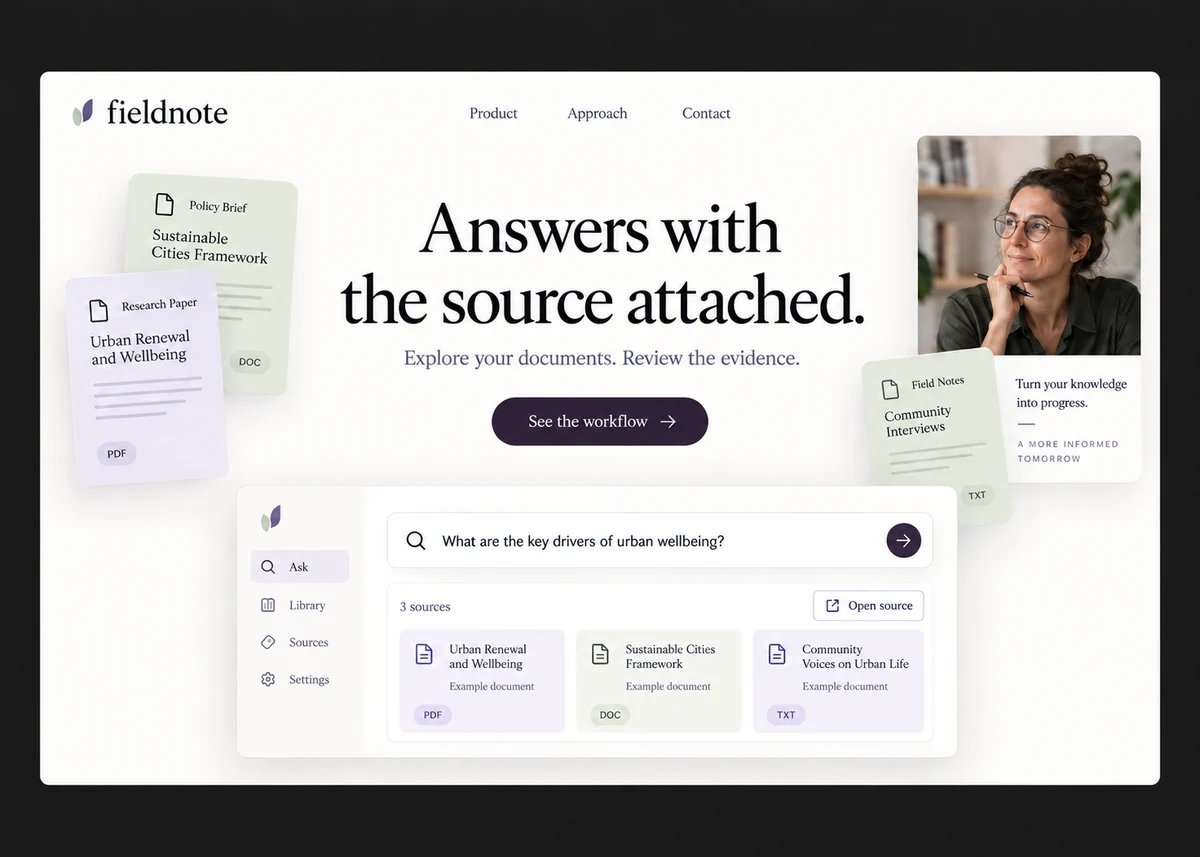
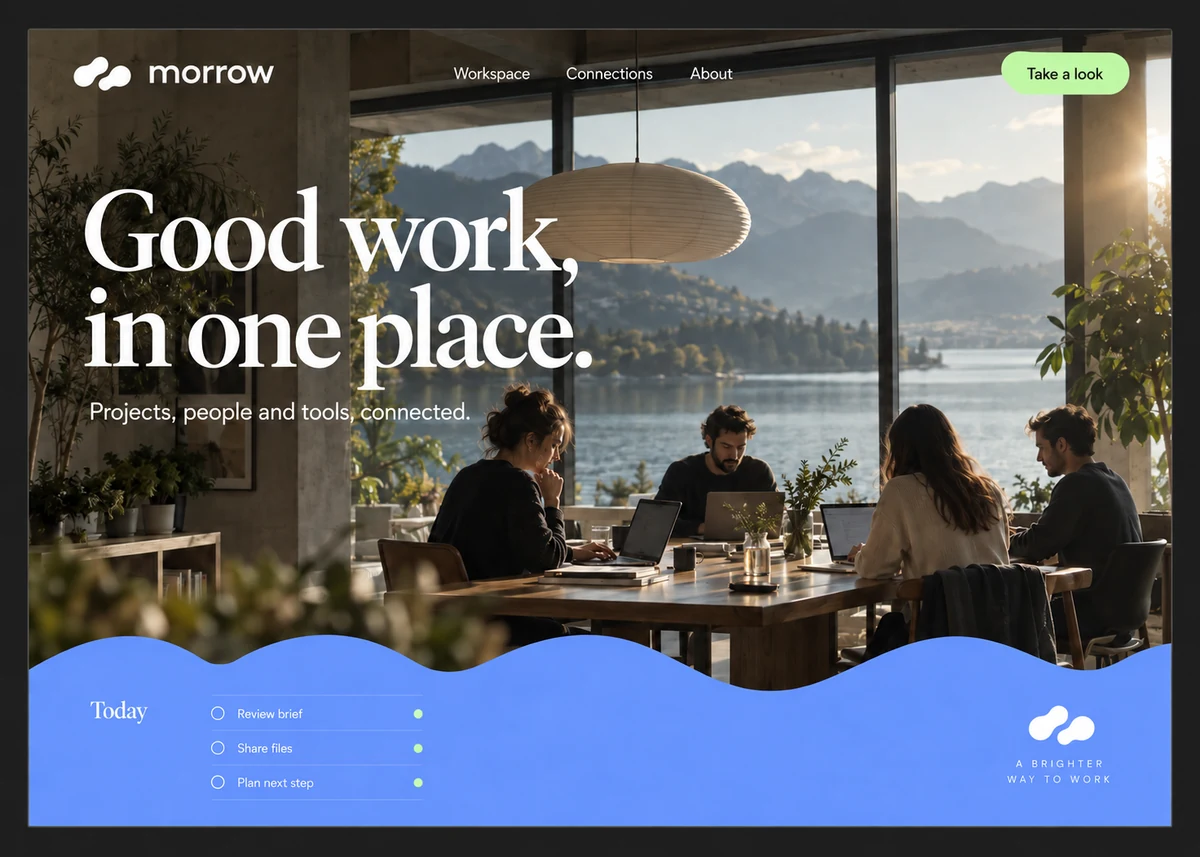
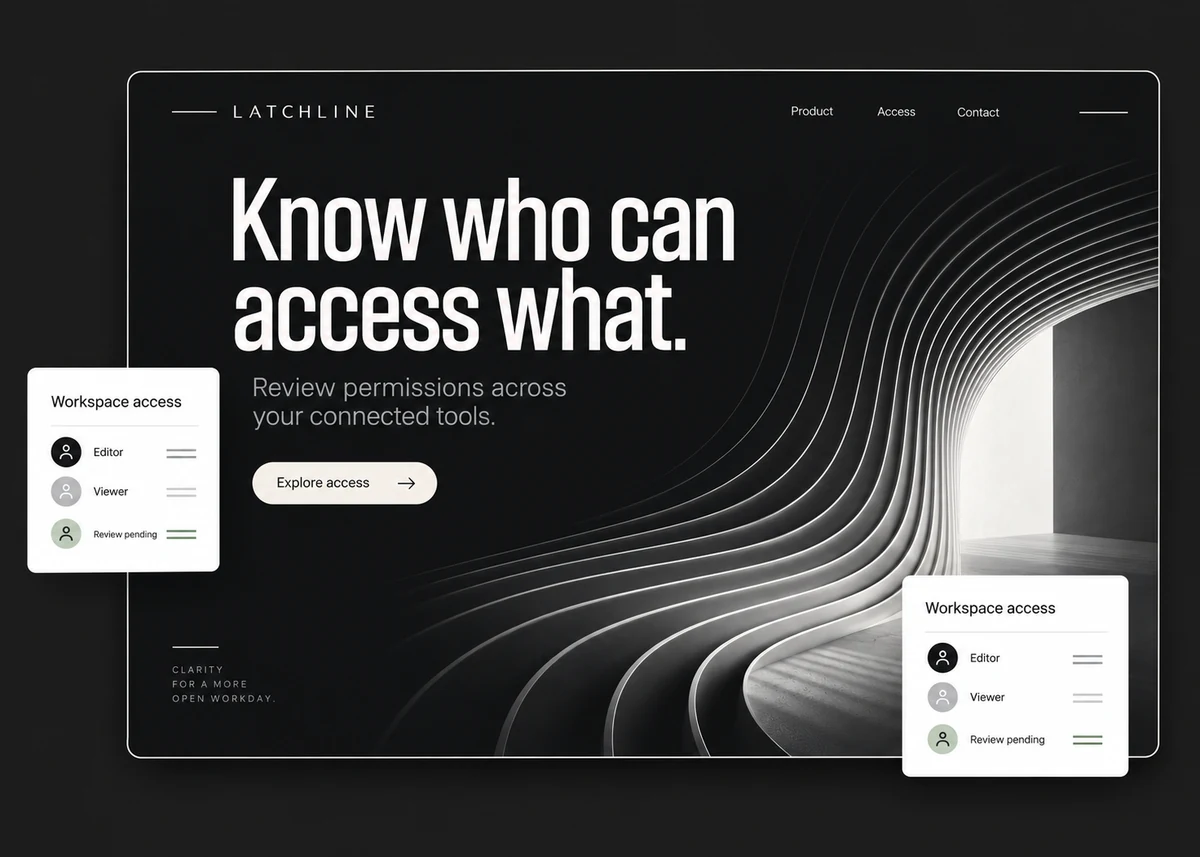
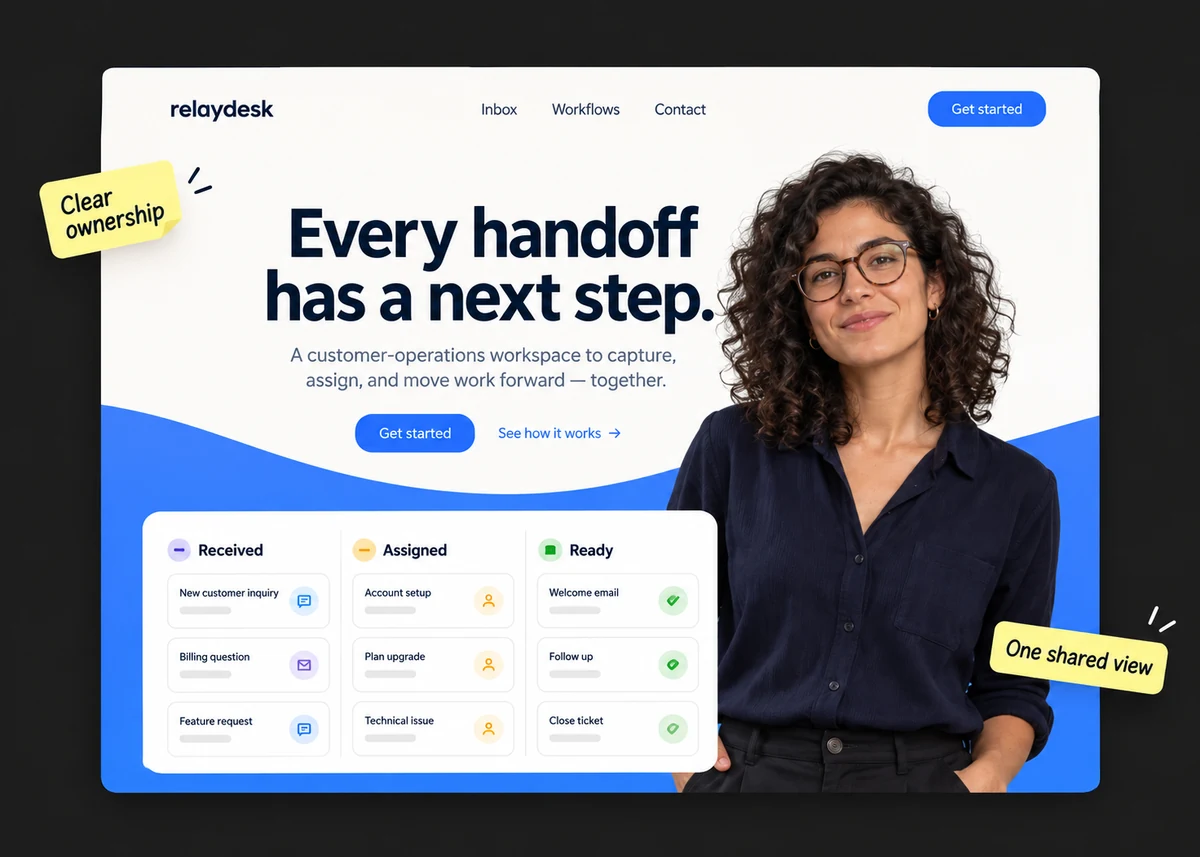
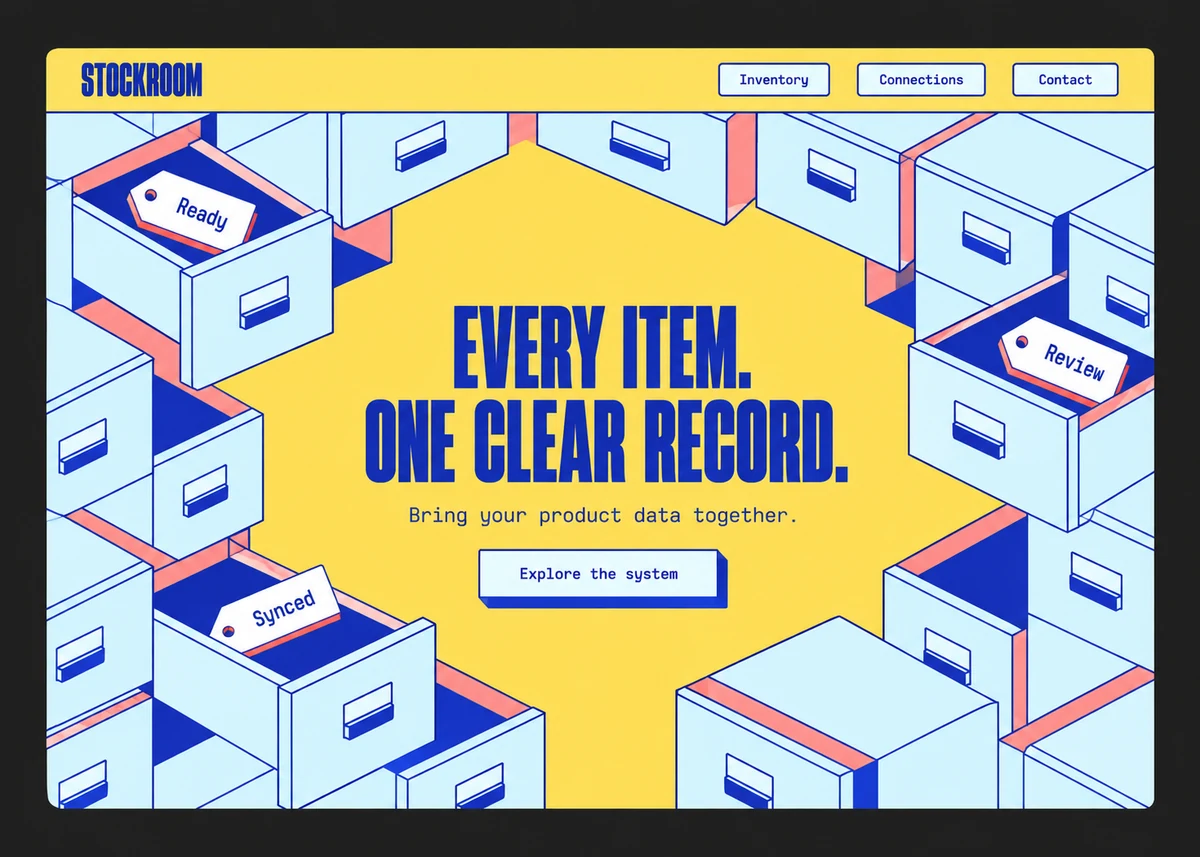
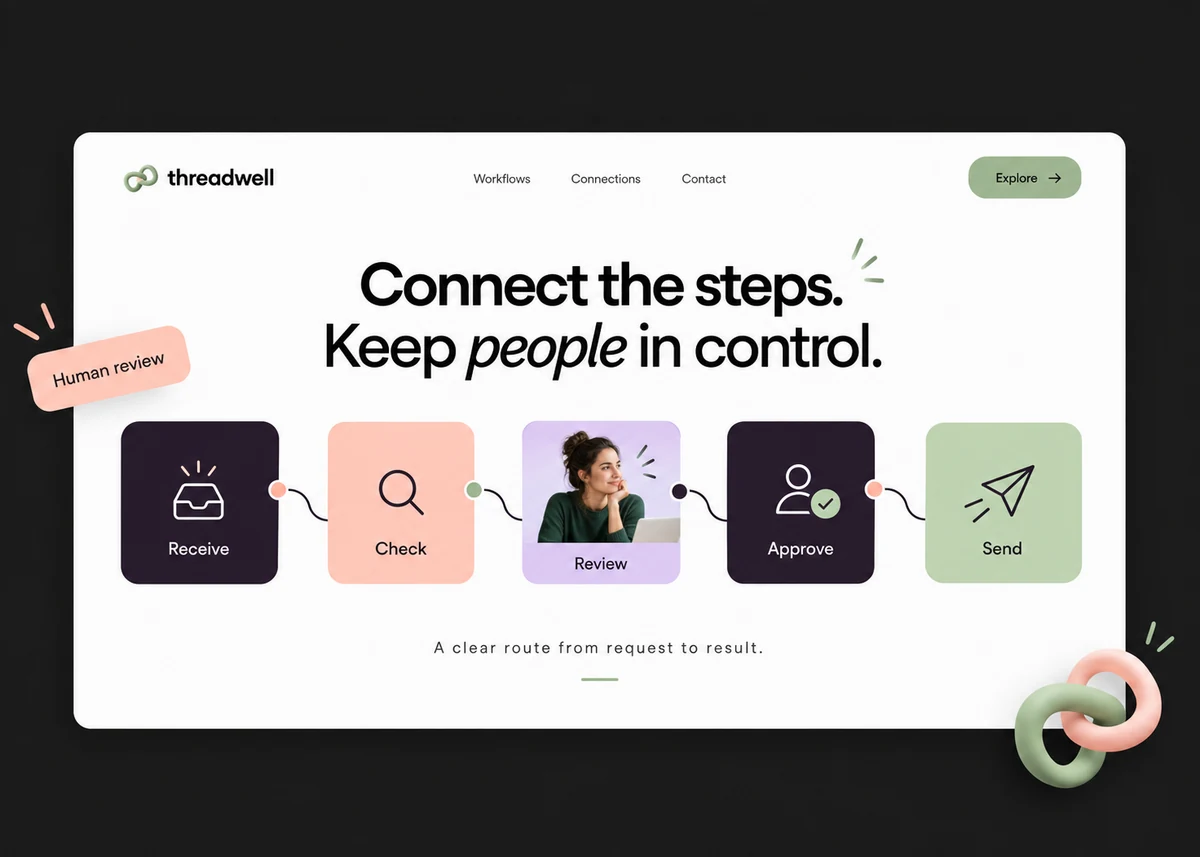
Original AI-assisted designs for fictional brands. These are visual concepts, not client projects or working products.


Before we start
Do you build AI features?
Yes. We start with the AI Feasibility Check, then quote a feature for your existing product or workflow if the results support it.
What if the AI test is inconclusive?
The report explains what remains uncertain and what evidence is missing. We may recommend a simpler approach, more investigation or stopping instead of a build.
What kind of workflow fits?
A repeated task with clear inputs, outputs and someone responsible for the result. The document and reporting examples on this page illustrate possible work; they are not Drevhe client case studies.
Can you integrate systems or migrate data without AI?
Yes. Integration, data migration and automation can be separate projects. We agree how records are checked and how to restore the previous state if a move fails.
How do you handle access and data?
We agree the systems, test data and permissions needed before starting. The proposal records data-handling requirements and any third-party services involved.
Who maintains the work after delivery?
Your team can take over with documentation, or we can agree ongoing support and checks. The agreement names who reviews issues and how they are handled.